
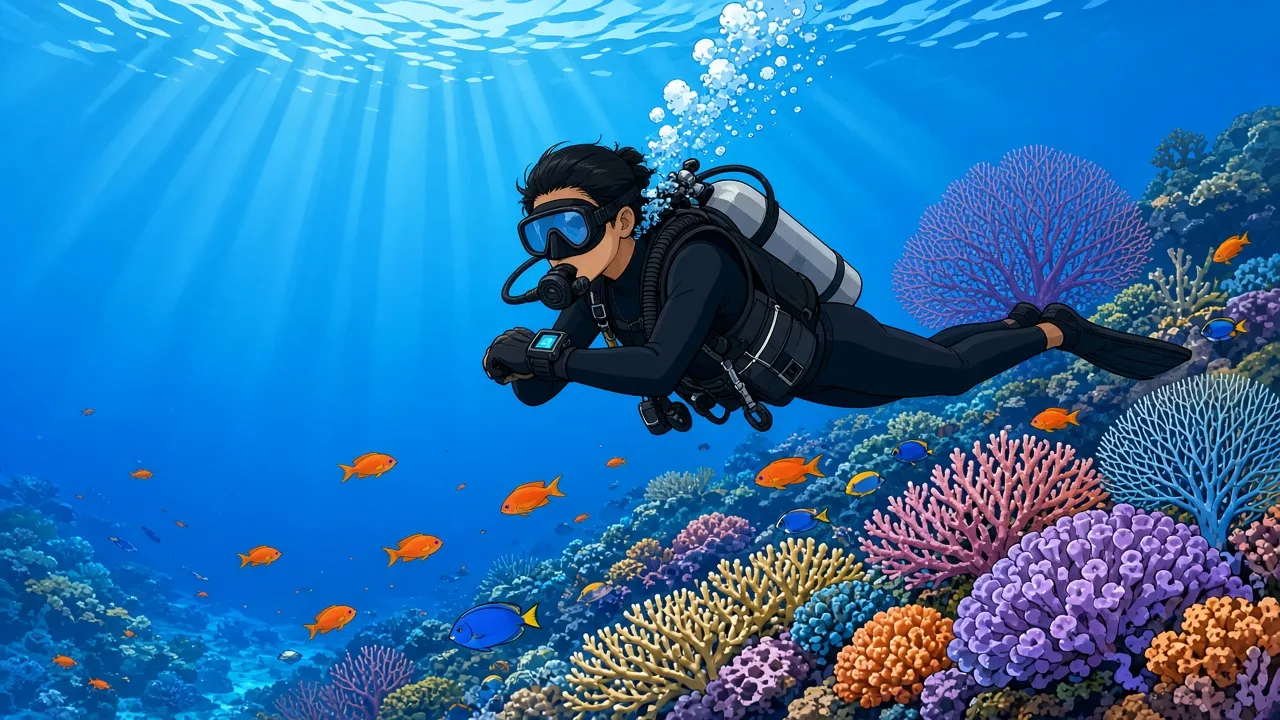
Every certified diver in Bali now carries one, yet few beginners can say what is a dive computer actually doing on their wrist for the full hour underwater. Students on a PADI Open Water course in Bali meet the device on day one, and by the last dive they are expected to read it without help. That gap between wearing a computer and understanding it causes more missed safety stops and rushed ascents than any equipment failure.
The device matters most on profiles where depth changes constantly, such as Tulamben day trips to the USAT Liberty wreck or drift dives off Nusa Penida. Divers who do not own one can rent a dive computer in Sanur for a day or a full trip. This guide explains how the device works, how to read the screen, and how to choose one for each level of diver.
The explanations below follow the standards taught by PADI and the guidance published by Divers Alert Network (DAN). Where a number depends on the brand or the algorithm, the source is named.
What is a dive computer?
A dive computer is a waterproof device that measures depth and time underwater and calculates how much nitrogen a diver has absorbed, showing the remaining no-decompression time.
- Depth and dive time
- No-decompression limit (NDL)
- Ascent rate warnings
- Safety stop countdown
- Surface interval history
It replaced printed dive tables as the standard planning tool for recreational divers, and most dive centres now expect every diver to wear one.
Where a diver gets it:
- Rented from a Bali dive shop
- Used in depth on the PADI Advanced Open Water course
- Set for nitrox on the Enriched Air Diver course
In short: a dive computer tells a diver how long they can stay at the current depth and how slowly to come back up.
Dive computer vs dive watch vs dive tables: what is the difference?
A dive computer calculates nitrogen loading in real time, a dive watch only tells time, and dive tables are printed limits that assume the whole dive was spent at the deepest point. All three are still sold, but they solve different problems.
Dive computer
A computer combines a pressure sensor, a clock and a decompression algorithm. It recalculates every one to few seconds, so a diver who spends ten minutes at 25 metres and then forty minutes at 10 metres gets credit for the shallower part of the dive. It also logs every dive and carries the nitrogen balance from one dive into the next, which is the part that keeps repetitive diving safe. The background on why that balance matters is covered in how to avoid decompression sickness.
Dive watch
A dive watch is a water-resistant timepiece, usually rated to 200 metres under the ISO 6425 standard, with a unidirectional rotating bezel. The diver turns the bezel at the start of the dive to mark elapsed time. It has no depth sensor and no model of nitrogen, so it can only be used alongside a depth gauge and tables. Some modern watches look like dive watches but are actually full computers, which is why the two are often confused.
Dive tables
Tables such as the PADI Recreational Dive Planner (RDP) list no-stop limits for square profiles. The diver takes the deepest depth reached, finds the limit and must surface before it runs out. The method is reliable but conservative for multilevel dives, and it relies on the diver timing and recording everything by hand. Most training agencies now teach tables as background theory rather than as the main planning tool.
Key distinction:
- Only a dive computer tracks nitrogen continuously and adjusts the limit as depth changes.
- A watch or a table can back up a computer, but neither replaces it on a multilevel dive.
What types of dive computer are there?
There are four common types: wrist computers, watch-style computers, console computers and air-integrated computers. They share the same core function and differ in size, screen and whether they read tank pressure.
| Type | Where it sits | Reads tank pressure | Typical price (USD) | Best for |
|---|---|---|---|---|
| Wrist (puck) | Strapped on the forearm | Optional, via transmitter | 200 to 500 | New divers and rental fleets |
| Watch-style | Worn daily as a watch | Optional, via transmitter | 500 to 1,500 | Frequent travellers |
| Large-screen wrist | Forearm, colour display | Optional, via transmitter | 600 to 1,300 | Older eyes, low-light and liveaboard diving |
| Console | Clipped to the regulator hose | Yes, by hose | 300 to 800 | Divers who want one gauge for all data |
| Air-integrated wrist | Forearm, paired to first stage | Yes, wirelessly | 700 to 1,500 with transmitter | Divers tracking gas consumption |
Prices are indicative ranges for 2026 retail listings from the main brands and change often. Rental fleets in Indonesia are mostly entry-level wrist models because they are easy to read and survive daily use on boats.
Size matters more than most buyers expect. On a fast drift such as the Nusa Penida dive sites, a diver may only get a two-second glance at the screen while holding a reef hook or signalling a buddy. A larger display with big NDL digits wins over extra features nobody reads underwater. On a week-long trip with four or five dives a day, such as an Indonesia liveaboard, battery life and a clear dive log matter as much as the screen.
How does a dive computer work?
A dive computer works by reading water pressure to get depth, timing every second, and feeding both into a decompression algorithm that estimates nitrogen in a set of theoretical body tissues. The lowest remaining time across those tissues becomes the NDL on screen.
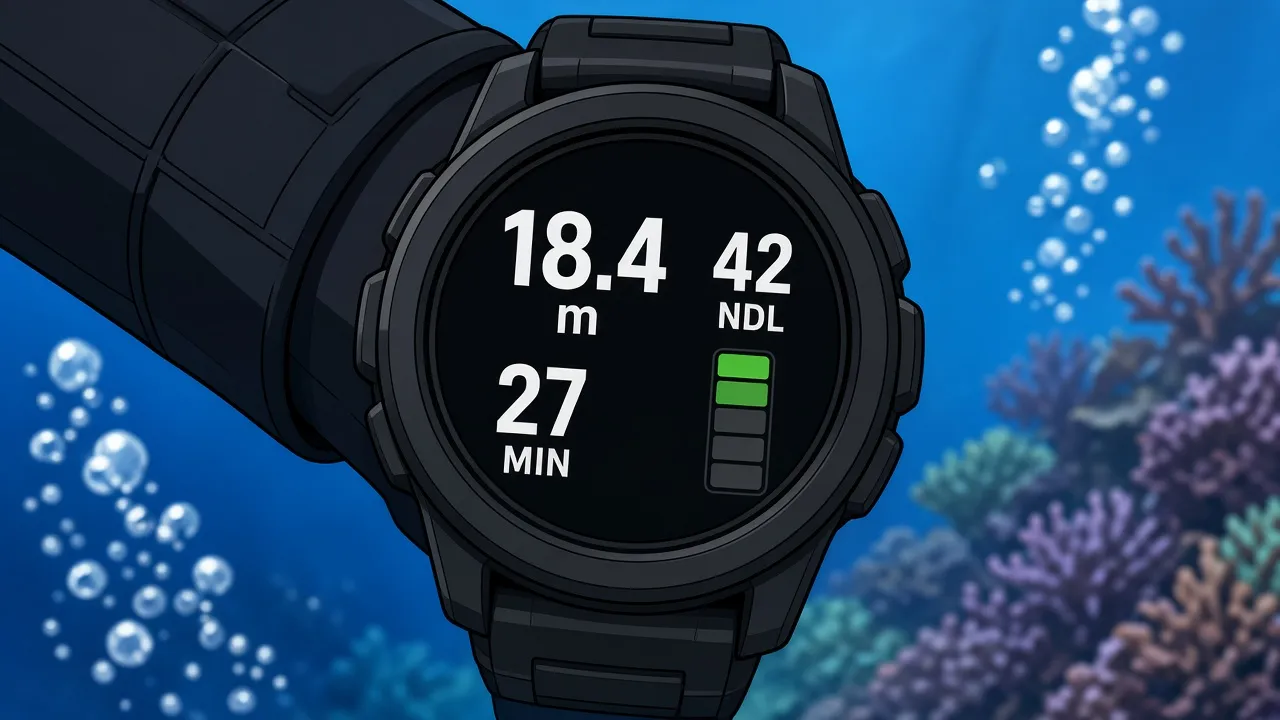
1. The pressure sensor reads depth
Pressure increases by about one bar for every 10 metres of seawater. The sensor converts that pressure into depth, normally to a tenth of a metre. Most computers let the diver choose salt or fresh water, because fresh water is less dense and reads slightly differently.
2. The algorithm models tissue compartments
The body is modelled as a group of theoretical tissues that absorb and release nitrogen at different speeds. The widely used Bühlmann ZHL-16C model has 16 compartments with nitrogen half-times from about 4 minutes to 635 minutes. Fast tissues control short deep dives, while slow tissues control long, shallow ones and repetitive diving over several days.
3. Each tissue gets a limit
For each compartment the model sets a maximum tolerable amount of dissolved nitrogen when the diver surfaces. The computer works out how many minutes remain before any compartment reaches that limit at the current depth. That number is the NDL, and it shrinks the deeper a diver goes.
4. Conservatism settings add a margin
Manufacturers add a safety margin on top of the raw model. Shearwater and Garmin use Bühlmann ZHL-16C with gradient factors, and Shearwater's default is GF 40/85. Suunto uses its own RGBM-based models and Mares uses RGBM. A higher conservatism setting gives shorter NDLs, which is useful for divers who are older, tired, dehydrated or diving several days in a row.
5. Nitrox changes the inputs
When the diver sets an enriched air mix, the computer lowers the nitrogen fraction in its calculations and starts tracking oxygen exposure. On EAN32 the NDL at 18 metres roughly doubles compared with air, while the maximum operating depth drops to about 33 metres at a partial pressure of 1.4. The practical effect on Bali profiles is covered in nitrox diving in Bali.
6. The surface interval keeps counting
After surfacing, the computer continues to off-gas the tissue model. A second dive starts with nitrogen still in the slow tissues, so the NDL at the same depth is shorter than it was on the first dive. The computer also shows a no-fly countdown, which most brands set between 12 and 24 hours.
Worked example: a multilevel dive on the USAT Liberty
The USAT Liberty wreck is the classic multilevel dive in Bali. The hull lies on a black sand slope with the bow in about 30 metres and the stern in about 5 metres, so a diver naturally works from deep to shallow. Dive guides on USAT Liberty dives usually plan the deep section first and finish along the shallow coral garden.
The table compares what a printed table allows with what a computer shows on the same dive. Table limits are from the PADI Recreational Dive Planner for air. Computer values are illustrative for a Bühlmann ZHL-16C computer at GF 40/85 on air, first dive of the day; other models will show different numbers.
| Phase | Depth | Elapsed time | NDL shown on computer | Printed table limit |
|---|---|---|---|---|
| Descent to the bow | 25 m | 3 min | About 25 min | 29 min at 25 m |
| End of deep section | 25 m | 12 min | About 12 min | 17 min left |
| Midship, cargo holds | 15 m | 25 min | About 35 min | 4 min left, still counted at 25 m |
| Stern and coral garden | 8 m | 45 min | 99+ min | Limit exceeded |
| Safety stop | 5 m | 52 to 55 min | 99+ min | Limit exceeded |
On tables, the whole dive is charged at 25 metres, so the diver would have to surface at 29 minutes. The computer recognises that nitrogen loading slows sharply in shallow water, so the same diver can finish a 55-minute dive inside the model's limits. That extra time is why multilevel wrecks and reef slopes are so much more enjoyable with a computer, and also why ignoring it is risky: the extension only exists if the diver actually moves shallower.
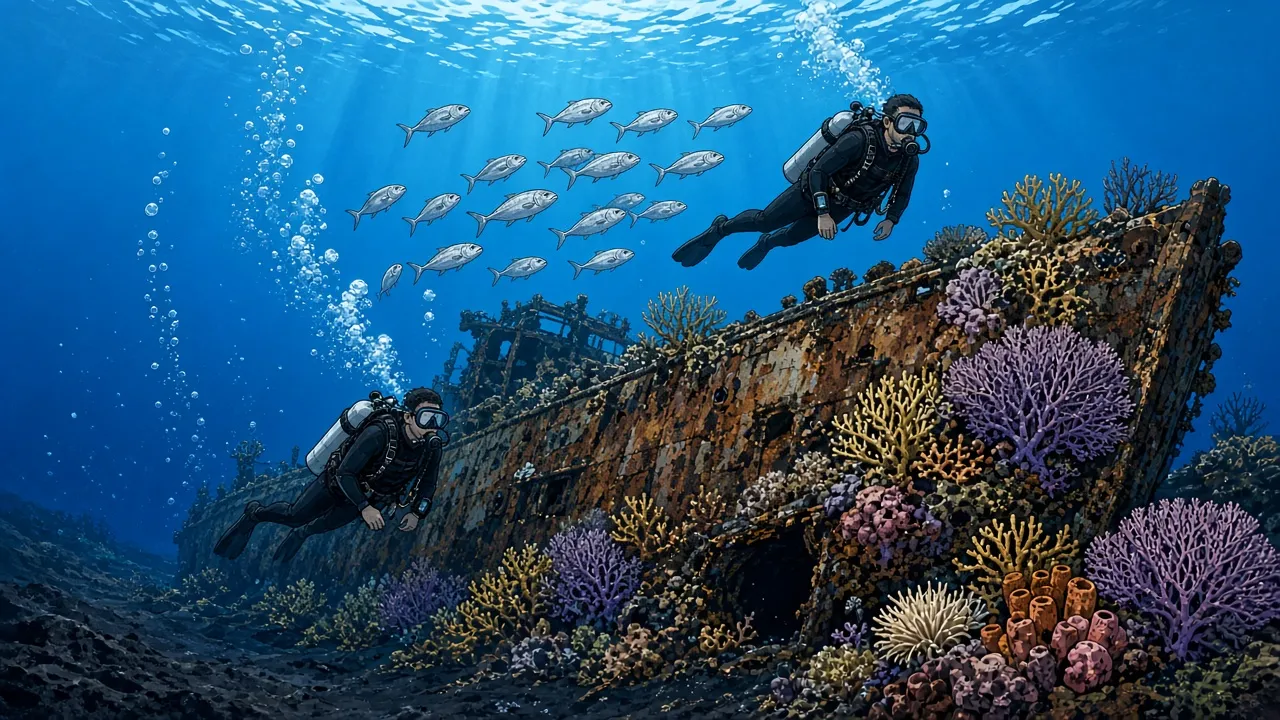
Depth limits still apply. A diver certified at Open Water level is trained to 18 metres, which is one reason the PADI Deep Diver specialty exists for those who want the bow section. The certification depth limits by level are listed in how deep you can scuba dive.
How do you read a dive computer screen?
To read a dive computer, check four numbers in order: current depth, NDL, dive time and ascent rate. Everything else on the screen is secondary until the safety stop.
| Field | What it means | What to do |
|---|---|---|
| Depth | Current depth, often with the maximum depth reached | Stay inside the certified limit and the dive plan |
| NDL | Minutes left at this depth without required stops | Start ascending well before it reaches 5 minutes |
| Dive time | Minutes since descent | Compare against the planned turn time |
| Ascent rate | Bar graph or arrows, speed of ascent | Slow down if more than two segments light or the alarm sounds |
| Safety stop | Countdown at about 5 metres | Hold depth until it reaches zero |
| Deco or ceiling | A required stop depth and time | Follow it exactly, then end diving for the day |
Depth and maximum depth
The big number is the current depth. Many screens also show the maximum depth reached, which matters on dives where a diver drifts deeper without noticing, such as on a slope with no visual reference. On a current dive like those taught on the Drift Diver specialty, depth can change by several metres in a few seconds.
NDL
The NDL is the most important number on the screen. When it falls under about 5 minutes, it is time to move shallower, not to wait for it to reach zero. A good habit is to agree an NDL turn point with the buddy before the dive, for example "we head up when either of us reaches 5 minutes".
Ascent rate
Most current computers warn when the ascent exceeds about 9 to 10 metres per minute, which is slower than the 18 metres per minute maximum used in the PADI RDP. The last 10 metres are the most important, because the pressure change is proportionally largest there. Good buoyancy control makes this far easier, and the drills in how to improve buoyancy help most new divers fix it within a few dives.
Safety stop
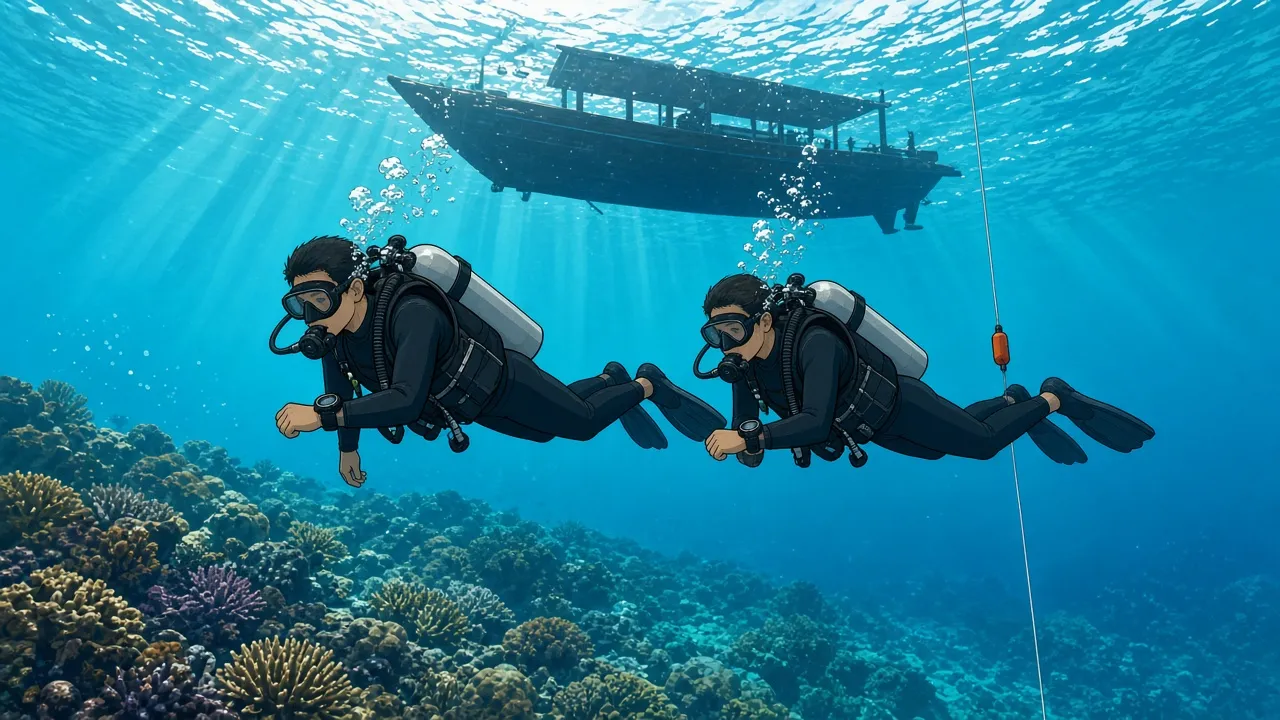
A safety stop of 3 minutes at about 5 metres is recommended on every dive. Most computers start the countdown automatically when the diver reaches the stop zone and pause it if they leave it. If a diver goes too deep or too shallow during the stop, the timer may reset or stop counting.
Warnings and violation modes
If a diver exceeds the NDL, the screen switches to a decompression display with a ceiling depth and a stop time. Missing a required stop can put many computers into a violation or lock mode for 24 to 48 hours. After any dive with required stops, DAN's flying guidance says to wait substantially longer than 18 hours, which is explained in flying after scuba diving.
What to look for in a dive computer
The best dive computer for most recreational divers is one with a readable screen, simple menus, nitrox support and a user-replaceable or rechargeable battery. Features beyond that only matter for specific types of diving.
1. Screen readability
Large digits and high contrast matter more than colour or resolution. Test the screen in bright sunlight and in shade before buying, because both conditions occur on the same Bali dive. Divers over 45 often prefer the large-screen wrist models.
2. Button logic
Menus should be easy to navigate with gloves and a mask on. Two-button or four-button designs are common, and the simplest ones allow a gas change or a backlight in a single press. Try the menus in the shop for five minutes before committing.
3. Algorithm and conservatism
The algorithm itself matters less than knowing how it behaves. Bühlmann-based computers with adjustable gradient factors are popular because the settings are transparent. RGBM computers tend to be more conservative on repetitive and multi-day diving.
4. Nitrox support
Almost all current models support at least one nitrox mix up to 40 percent oxygen. Divers planning a nitrox course in Bali should check that the computer tracks oxygen exposure and lets them set a maximum partial pressure of 1.4.
5. Air integration
Air integration shows tank pressure on the wrist and calculates remaining gas time. It is useful but adds a transmitter that costs several hundred dollars and needs its own battery. Many experienced divers are happy with an analogue pressure gauge and a non-integrated computer.
6. Battery type
Rechargeable batteries suit divers who travel with a charger and dive daily. User-replaceable batteries suit divers who want to keep diving on a remote island without power. Either way, a computer should start each diving day with a full or nearly full battery.
7. Logbook and app
Most computers transfer dives by Bluetooth to a phone app. The log is useful for certifications, insurance claims and checking a profile with an instructor. It is also the record a doctor will ask for if there is ever a suspected decompression problem.
8. Fit and strap
The strap must fit over a wetsuit and still close on bare skin in warm water. Bali divers often wear 3 mm suits in the north and 5 mm suits at the colder sites, so a strap extension can be useful. On Manta Point and Crystal Bay dives, thermoclines can drop water temperature sharply in the Mola mola season.
9. Gas switching
Gas switching between two or three mixes is only needed for technical or advanced nitrox diving. Recreational divers can skip it unless they plan to train further. Divers heading to remote areas on a liveaboard such as the King Neptune liveaboard usually value reliability and battery life over extra gases.
10. Service and warranty
Pressure sensors drift over time and batteries age. A brand with a service centre or a reliable mail-in programme in Asia makes repairs much easier. Rental computers at good dive centres are checked regularly for this reason.
Which dive computer should you choose for your level?
Beginners should rent before buying, new Open Water divers should buy a simple wrist model, and advanced divers should choose based on the diving they actually do. Price is a poor guide on its own.
| Diver level | Recommended choice | Why |
|---|---|---|
| Try diver or course student | Rent, or use the instructor's guidance | The instructor monitors depth and time during training |
| New Open Water diver | Simple wrist computer with nitrox | Easy to read, affordable and ready for the next course |
| Advanced, 25 to 100 dives | Large-screen wrist or watch-style | Handles drift, deep and multi-day diving well |
| Rescue diver and beyond | Air-integrated or gas-switching model | Supports gas planning and further training |
Try divers and first-time divers
Someone joining a try dive in Bali does not need their own computer. The instructor stays shallow, controls the profile and keeps track of time. A short look at the instructor's screen during the dive is a useful introduction for anyone who plans to continue.
New Open Water divers
A simple wrist computer is the best first major purchase after a mask. It goes on every dive, it records the log and it makes rental equipment less of a variable. The full path from first dive to certification is covered in the Open Water course in Bali guide.
Advanced divers
After the Advanced Open Water certification, divers start doing deeper wreck, drift and night dives. This is the point where a larger screen, a backlight and reliable nitrox support pay off. Easy sites such as Padang Bai are good places to practise reading the screen while also watching a buddy.
Rescue divers and future professionals
Divers working towards the PADI Rescue Diver course or professional levels often lead others and need to watch several things at once. Air integration helps them monitor gas, and a clear log helps with incident reports. Professionals also tend to own a backup computer.
Example: learning to use a dive computer with Neptune Scuba Diving in Bali
Neptune Scuba Diving runs courses and day trips from its dive center in Sanur. The example below shows how a dive computer fits into a typical first week; it is one operator's format, not the only way to learn.
- Day one of the three-day Open Water course covers equipment and pool training, including the main screen fields.
- Days two and three are open water dives at Padang Bai and Tulamben, where students read depth, NDL and the safety stop under supervision.
- Certified divers on a Tulamben dive trip can add a rental computer, which is listed as additional equipment.
- The Open Water course starts from IDR 9,540,000 per person, the Advanced course from IDR 8,100,000 and the one-day nitrox course from IDR 3,060,000, at the time of writing.
This format is not for everyone. It is not for divers looking for technical or decompression training, which needs a dedicated technical course and multi-gas equipment. It also does not include buying advice tied to a specific brand, so divers who want to purchase a computer should compare models at a retailer.
What does the evidence say about dive computers and safety?
Dive computers reduce planning errors but do not remove decompression risk. A review by Vann and colleagues in The Lancet (2011) put decompression sickness at roughly 2 to 4 cases per 10,000 recreational dives, and many of those cases occurred within computer limits.
Early ultrasound studies by Merrill Spencer in 1976 detected venous bubbles in divers who stayed within the US Navy no-stop limits of the time. That work led to shorter no-stop limits in later tables, including the PADI RDP, which was tested with Doppler monitoring before release in 1988. Modern computers inherit those more conservative assumptions.
Individual factors still matter. Dehydration, cold, hard exercise, a patent foramen ovale and rapid ascents all raise risk in ways no algorithm can measure from the wrist. If symptoms appear after a dive in Bali, the nearest major recompression facility is at Prof. Ngoerah hospital in Denpasar, described in the Bali hyperbaric chamber guide.
Divers who want to understand conservatism settings in more depth can learn them during the deep diving course or the Peak Performance Buoyancy specialty, where controlled ascents are practised in detail.
Key takeaways
- A dive computer measures depth and time and calculates nitrogen absorbed to show the remaining no-decompression limit.
- The four numbers to check, in order, are depth, NDL, dive time and ascent rate.
- On multilevel dives such as the USAT Liberty, a computer allows far more bottom time than printed tables.
- Most computers warn above about 9 to 10 metres per minute and time a 3-minute safety stop at 5 metres.
- Beginners should rent first; a simple wrist model with nitrox support suits most new Open Water divers.
- No computer removes decompression risk, so conservative settings and slow ascents still matter.
Sources: Dive computer overview, Bühlmann decompression algorithm, PADI Recreational Dive Planner, Vann et al., Decompression illness, The Lancet, 2011, Divers Alert Network, PADI and Shearwater Research.